A free guide from Your Next Good Chapter
Find the Right Remote Job for You in 10 Minutes with My AI Prompts
A free 6-step guide for retirees who want professional work from home. Your skills and best-fit job titles in about 10 minutes, then the rest at your own pace.
You've spent decades getting good at things. The trouble is, today's job listings use a whole new vocabulary, and it's hard to see where you fit.
As a Mental Health Rehabilitation Technician, I spent 14 years working with adults in their 50s, 60s and 70s, many of them newly retired, as they built the next part of their lives. This guide is the help I wish I could have handed every one of them: simple steps, each with a ready-to-copy question for an AI assistant, so you can see your strengths clearly and find work that truly fits.
Margaret
This page shows you how to choose. For where to look, visit the Jobs page.
Before you start
A little setup
What you'll need
- A free AI assistant. Claude works well, and so do others like ChatGPT.
- Your old résumé, or just a few notes about the jobs you've had.
- About 10 quiet minutes for Steps 1 and 2 (the rest can wait for another day), and a cup of something warm.
Three good habits
- Keep it all in one chat, so the AI remembers your skills from step to step.
- Keep private things private. Leave out your Social Security number, birth date, home address and bank details. The AI never needs them.
- You're the boss. AI is a helpful assistant, not an expert. If something sounds off, double-check it.
Step one
Turn your work history into a skills list
You already have the skills. This step puts them into the words employers search for.
I recently retired after working as [your past jobs, with roughly how many years in each]. Here is what I did day to day: [describe it in your own words, or paste your old résumé].

Please list my skills in the words employers use in today's remote job listings. Group them into: people skills, organizing skills, computer skills, and industry knowledge. Then tell me which 5 skills are my strongest selling points for professional work-from-home jobs.
An example (made up)
Linda ran a busy elementary school office for 22 years. She thought of her job as "keeping everything running." The AI's list included scheduling and calendar management, records management, budget tracking, handling concerns from parents with tact, and coordinating between teams. Those are exactly the phrases she'll see in job listings.
Why this works: most people undersell themselves. Seeing your experience in today's language is often the moment it clicks.
Step two
Find your best-fit job types
Now let the AI match your skills to real remote roles, including professional ones you may not have heard of.
Based on the skills above, suggest 5 professional remote jobs that would suit me. I'd like to work about [number] hours a week, and I [enjoy / would rather avoid] talking on the phone.

For each job, tell me: what the work is like day to day, whether part-time is common, and the exact job titles I should search for on job boards.
An example (made up)
Linda's list included remote executive assistant, admissions coordinator, scheduling coordinator and customer success specialist for school software. She had never heard of the last one, and it fits her perfectly.
Why this works: the job titles are the key. Searching for the right title on a job board brings up the right jobs.
Step three
Read a job listing like a pro
Found a job that looks interesting? Before you spend an hour applying, let the AI help you size it up.
Here is a job listing I found: [paste the whole listing].

Please tell me:
1. How well I match it, on a scale of 1 to 10, and why.
2. The 3 things from my background I should highlight when I apply.
3. Anything I'm missing that I could learn quickly.
4. Any warning signs that this could be a scam or a poor fit.
An example (made up)
Linda pasted in a listing for a part-time remote scheduling coordinator. The AI scored her a 9, told her to lead with her 22 years of calendar juggling, and suggested a free spreadsheet refresher.
Why this works: it saves your energy for the jobs that truly fit, and a second pair of eyes helps you spot listings that are too good to be true.
Step four
Tailor your application
One résumé for every job rarely works. A few small changes for each job make a big difference.
Using my skills and this job listing, please write a short, warm cover note (under 200 words) that sounds like me. Then suggest 3 changes to my résumé that would help it fit this job.

Please don't invent any experience I don't have.
An example (made up)
Linda's cover note opened with how she kept a 600-student school's calendar running for 22 years. The AI also suggested she drop her graduation years and an old typing certificate from her résumé.
Why this works: employers skim. A note that names their job and your matching strengths gets read.
A gentle reminder: read every word before you send it, and change anything that doesn't sound like you.
Step five
Write your LinkedIn headline and About section
Many employers look you up before they call. These two parts are what they see first.
Your headline
Your headline shows up everywhere on LinkedIn, so make it say what you do best.
Please write 3 options for a LinkedIn headline (under 220 characters each) for me. I'm looking for part-time professional remote work as a [job type from Step 2]. Highlight [my top 3 skills from Step 1]. Make it confident and friendly.
An example (made up)
Organized, calm under pressure, 22 years keeping a busy school running | Remote scheduling and office coordination
Your About section
A short, warm introduction in your own voice: who you are, what you're great at, and what you're looking for now.
Please write a LinkedIn About section (about 150 words, written as "I") for me. Use my skills from Step 1 and say I'm looking for part-time remote work as a [job type]. Make it sound confident and warm, and show that my years of experience are a strength. End with an invitation to connect.
Why this works: your headline and About are your first impression. Clear and confident beats clever every time.
Step six
Finish your LinkedIn profile
Work through these one at a time. Most take just a few minutes.
Your photo
A recent, friendly head-and-shoulders photo: good light, a plain background, a real smile. Profiles with a photo get far more visits. A phone camera near a window works beautifully.
Your banner
The wide picture behind your photo. Swap the plain gray for something simple that fits the work you want, like a calm desk scene or a soft color. Canva has free LinkedIn banner templates.
Your experience
Turn old job descriptions into a few clear results. You don't need to list every job from decades ago; many career coaches suggest focusing on the last 10 to 15 years.
Here is how one of my past jobs reads now: [paste it]. Please rewrite it as 3 or 4 short bullet points that show results, using words that fit remote [job type] listings. Don't add anything I didn't do.
Your skills
Recruiters search LinkedIn by skill, so the right skills help them find you.
From my skills list, please pick the 15 skills I should add to my LinkedIn Skills section for [job type] jobs. Put the 5 most important first.
Then add them under Skills on your profile, with your top skills at the front.
Courses and certificates
Finished a free course? Add it under Licenses & certifications. It shows employers you're current and still learning. Find good free courses in Where to learn on the Jobs page.
Volunteer work
LinkedIn has a Volunteer experience section. Volunteer work counts, and it often shows the same skills employers want.
Let recruiters know you're looking
Turn on Open to Work and add the job titles from Step 2, "Remote," and "Part-time." You can choose Recruiters only, so there's no banner on your photo.
Recommendations
Two or three short recommendations from former coworkers make a big difference. The question below writes the request for you.
Please write a short, friendly message I can send to a former coworker named [name] asking for a LinkedIn recommendation. We worked together at [place] for [number] years. Mention 2 things they might speak to: [for example, my organizing and my calm with upset callers].
A quick clean-up
- Make your profile web address neat: under Edit public profile & URL, change it to something like linkedin.com/in/yourname.
- Check your location and your contact email.
- Remove graduation years if you'd rather not show them. It's your choice.
- Delete skills you no longer use or want to be hired for.
- Read every section once out loud to catch typos.
Where to look next
You know your job titles. Time to search.
The Jobs page
My hand-picked list of trusted job sites, including LinkedIn, Indeed and AARP, plus companies that hire remote workers.
Go to the Jobs page →FlexJobs
A paid job site where a real person checks every listing for scams. Search it for the job titles from Step 2.
Visit FlexJobs →
Walter's take: I asked the AI which job suited me best. It said "supervisor." Finally, someone who understands me.
Want the whole picture?
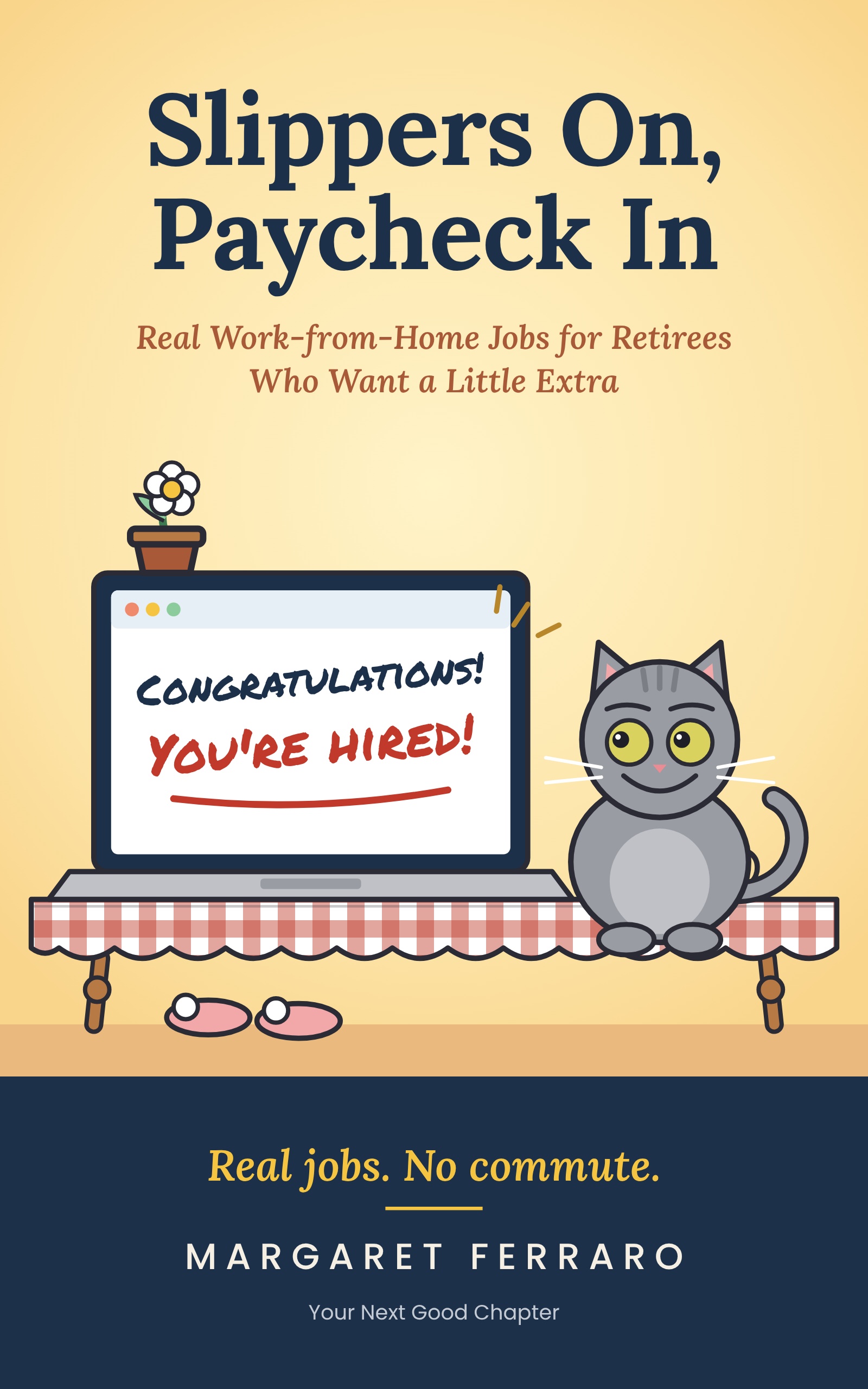
Slippers On, Paycheck In
Real work-from-home jobs for retirees, the companies that are hiring, and how to steer clear of scams.
Find it on AmazonYour experience didn't retire when you did. Here's to finding work that fits the life you want now.